Drag to the next agent. Keep typing.
Pull the sidebar out over the pane and slide down to the agent you want. Let go and you're in its pane with the keyboard still up, ready for the next prompt.
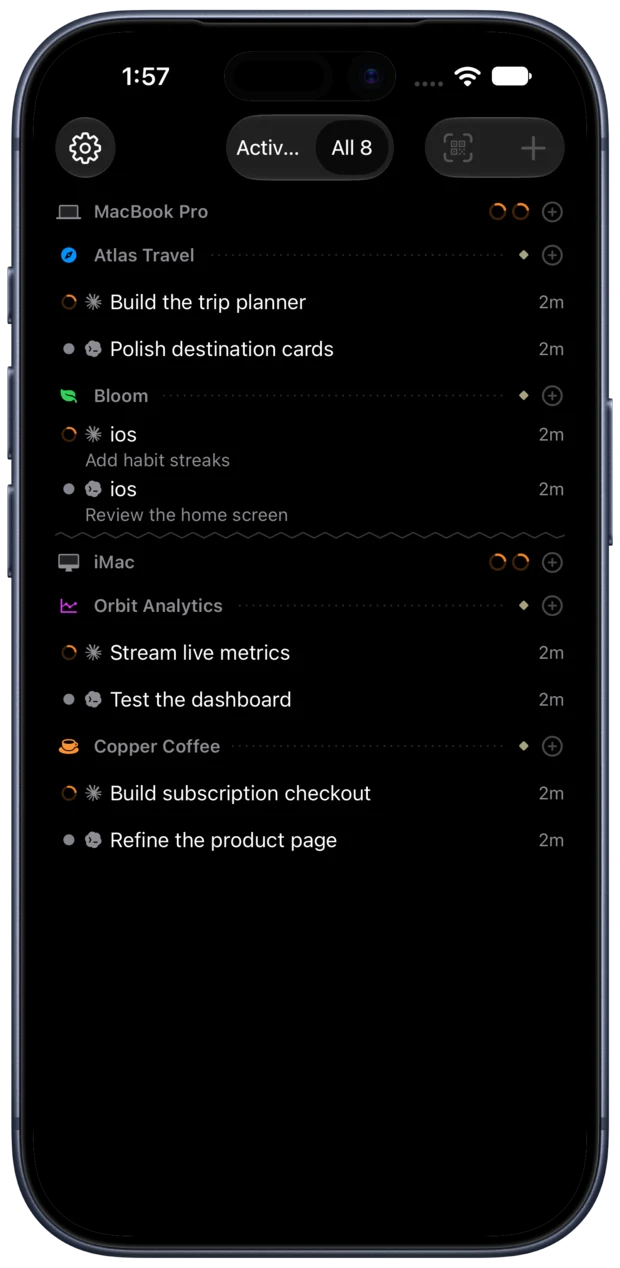
Every agent pane on every Mac, in one native list sorted by who needs you. Switch projects across all your computers in a tap, answer agents from the Lock Screen, and keep typing on your phone.
Free. No account. Everything you need, bundled.
Every pane has a native home, across all your Macs. See who’s working, who’s done and who needs an answer, then jump straight into the conversation.
Pull the sidebar out over the pane and slide down to the agent you want. Let go and you're in its pane with the keyboard still up, ready for the next prompt.
Panes are grouped by Mac and project, and the one that needs you comes first. Each pane writes its own title from the conversation, so you can tell your six Claudes apart.
When an agent prints a file path, tap it. HTML runs, and Markdown, PDFs and images open, all fetched from the Mac.
Each Mac keeps one live connection, so switching panes never waits for a new SSH handshake.
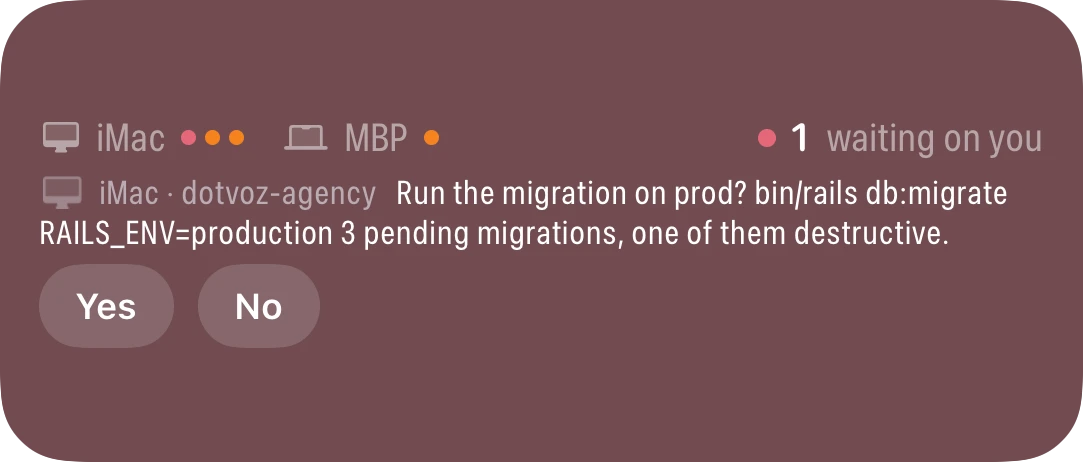
When an agent asks a question, long-press the alert and pick an answer. The agent continues without you opening the app.
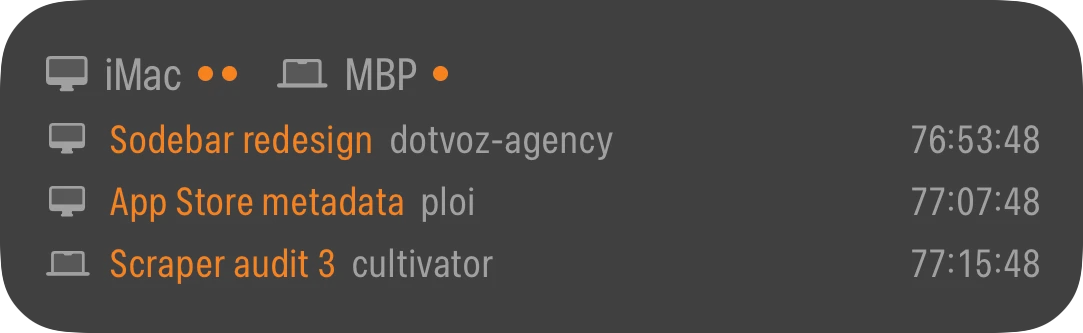
A Live Activity and the Dynamic Island show who is working and who is waiting on every Mac, with answer buttons right there.
When a conversation stops on a temporary error, like a server error mid-response, your Macs type “resume” into it for you.
A composer that sends multi-line prompts as one paste. On-device dictation. Slash-command suggestions. A key bar with Esc, Tab, Ctrl and arrows. Photos and files go straight to the Mac.
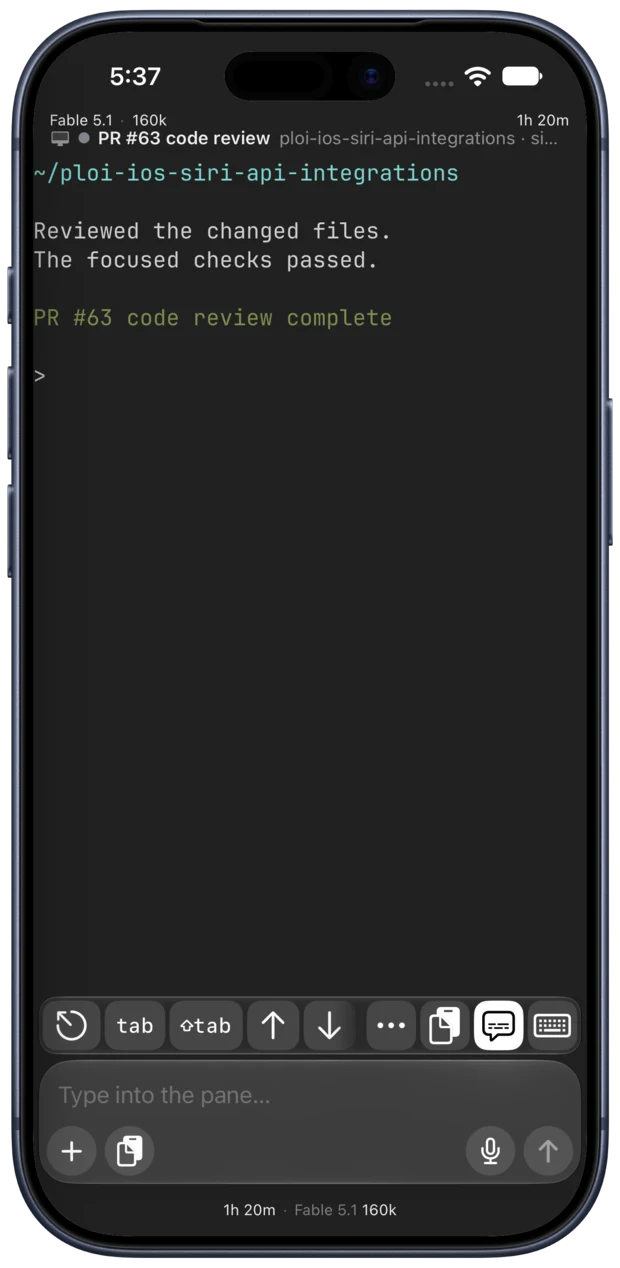
Closing a pane waits 30 seconds, with a countdown and an Undo button, so a mis-tap never ends an agent’s session.
Watch the font, context display and typing HUD change, then see the result in your pane.
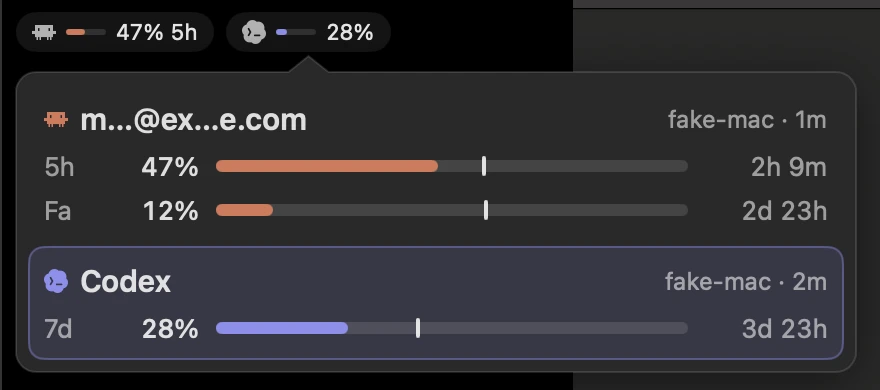
Each Claude and Codex account shows how much of its 5-hour and weekly window is used, and when it resets.
Queue a message for when the agent is done, or for tomorrow at 9. Type / for the agent’s commands and skills. Drafts are saved per pane, even if you close the app.
Macs on your iCloud account pair automatically, with no QR code. Everything you need is included with Terminal.
Each pane shows its branch, ahead/behind count and uncommitted changes. When the agent opens a pull request, its badge shows up in GitHub colors.
With Handoff, the pane you’re looking at opens on your iPhone, iPad or Mac, draft included.
Connect to any Mac or Linux box. Mosh is tried first, so a session stays alive through tunnels, network switches and sleep.
The app talks to your Macs directly over Tailscale or SSH. Push notifications are end-to-end encrypted, so the relay can’t read your questions or screens. Keys stay in your Keychain. There’s no account.
Coming soon for iPhone, iPad and Mac. Leave your email and be the first to hear when it’s out.